


18.4 Inch Portable Monitor 3840x2160 60HZ Second Gaming Portable Monitor for Phone,NS, PS5, XBOX, PC, Laptop Extend Screen
Regular price ₱11,842.81SPECIFICATIONS
Application: Laptop
Bracket Type: Other
Brand Name: uslo
Brightness: 350cd/m
Built-in Speaker: Yes
Choice: yes
Contrast Ratio: 1000:1
Display Ratio: 16:9
Display Size: 18.4
High-Dynamic Range: NONE
High-concerned chemical: none
Horizontal Viewing Angle: 178°
Interface Type: Type-C
Origin: Mainland China
Refresh Rate: 60 Hz
Resolution: 3840x2160
Screen Type: LCD
Screen curvature: NONE
Screen surface: Glossy
Shape: others
Vertical Viewing Angle: 89º
18.4‑Inch Large 4K UHD Portable Monitor
Break through the size limits of conventional portable monitors. This 18.4-inch big-screen portable display offers an immersive 4K UHD viewing experience, perfectly built for intensive office tasks, graphic design, video editing and home entertainment.
🖼️ True 4K UHD for Stunning Visuals
Features genuine 4K UHD resolution, 350cd/m² brightness and 100% sRGB wide color gamut.
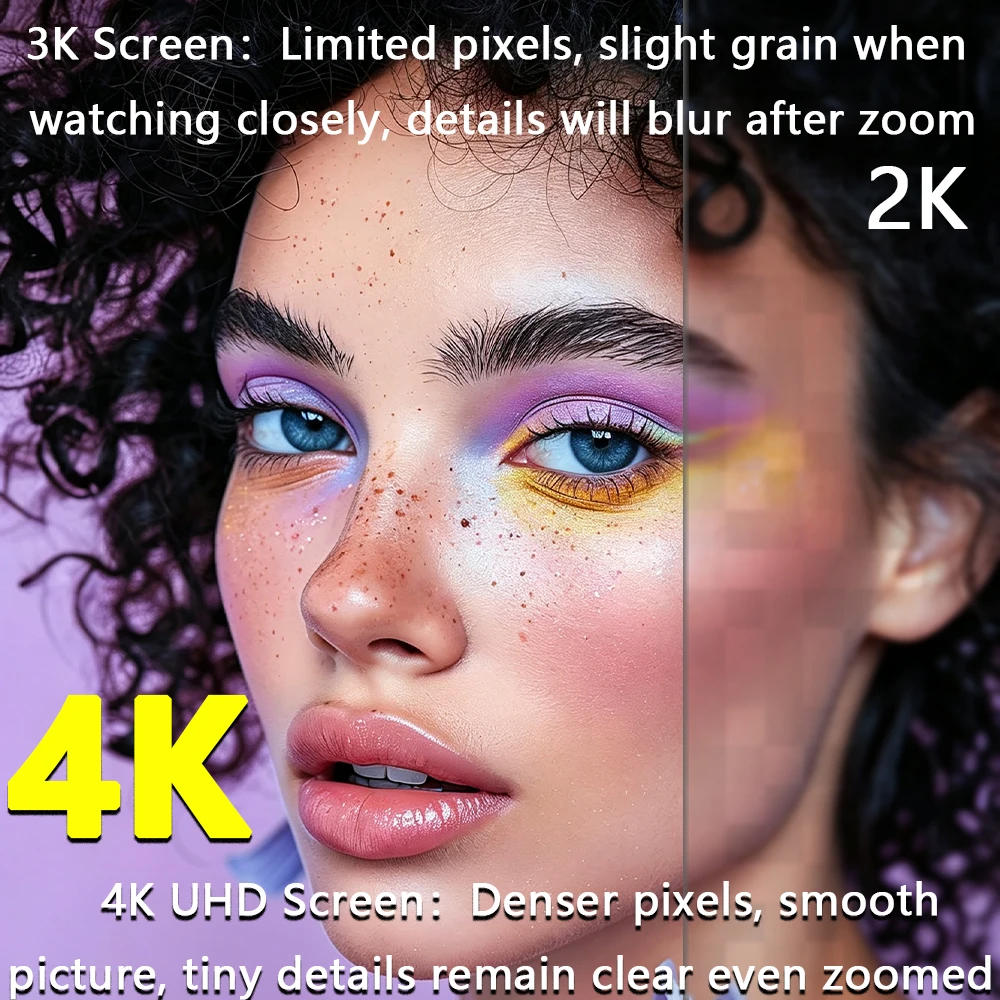
Compared with 2K panels, 4K delivers higher pixel density and smoother visuals. Fine details stay crisp even when zoomed in, free of graininess or blurriness. It reproduces lifelike, authentic colors for photo retouching, movie streaming and gaming.
📑 Extra-Large 18.4" Panel | Boost Productivity with Multi-Window Work
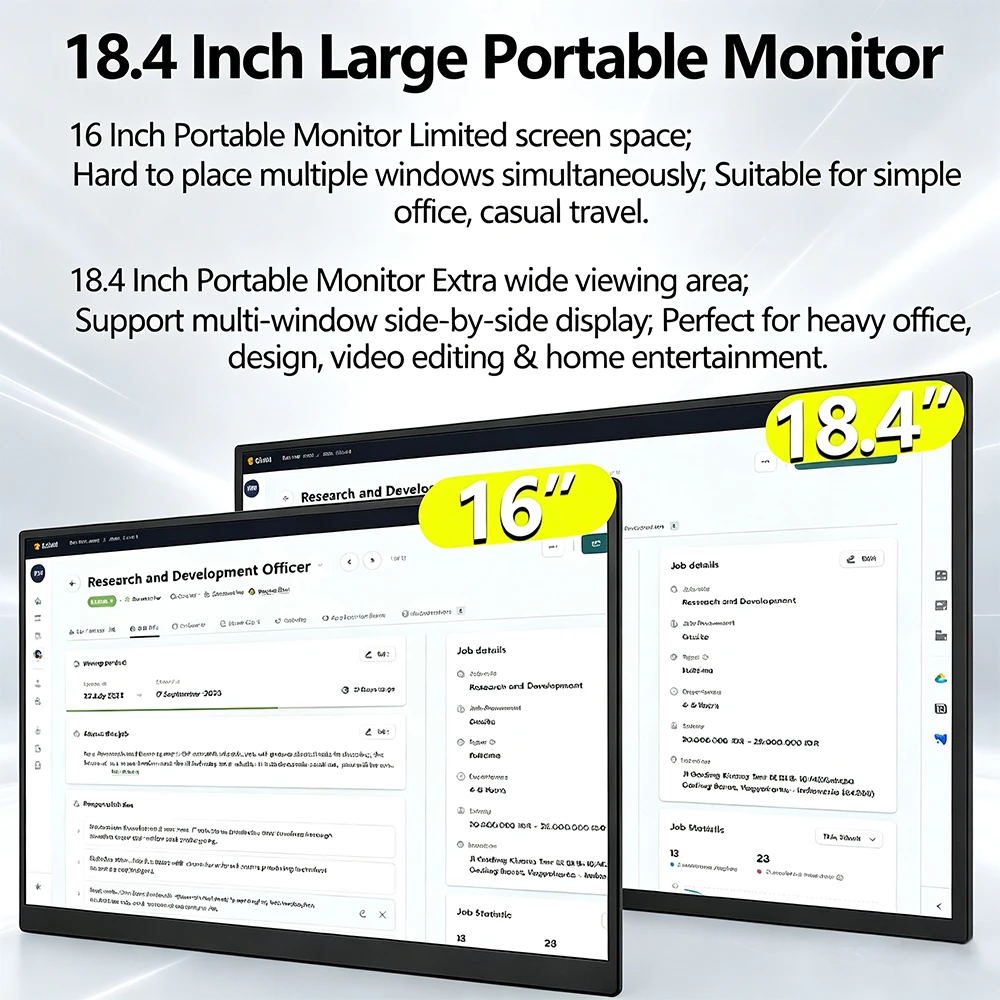
Most portable monitors available are 16 inches or smaller, offering limited screen space and poor performance for multi-window tasks.
Our expanded 18.4-inch viewing area supports side-by-side split-screen display. You can browse documents, edit spreadsheets and preview design drafts all at once. Ideal for heavy workloads, design creation, video editing and multi-party meeting presentations.
🔌 Plug & Play, Broad Cross-Device Compatibility
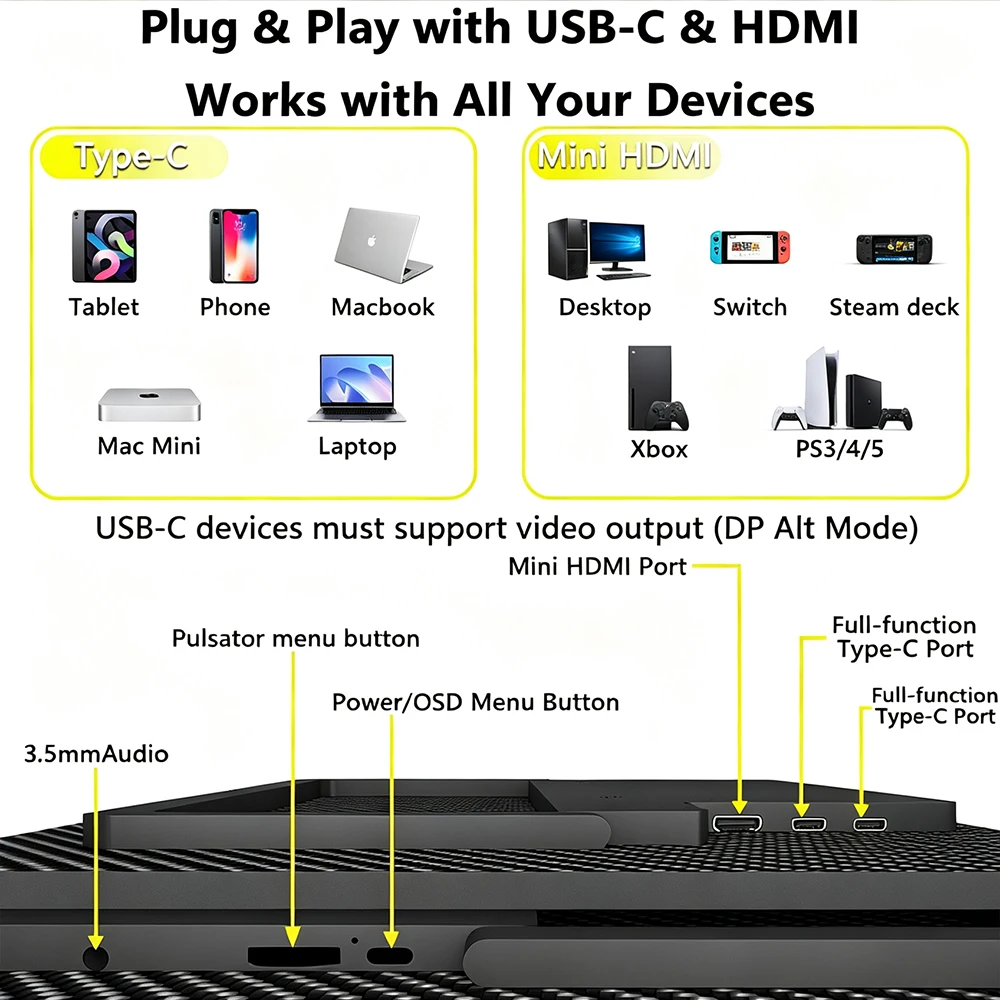
Dual full-function Type-C ports + Mini-HDMI port, simple plug-and-play setup without drivers.
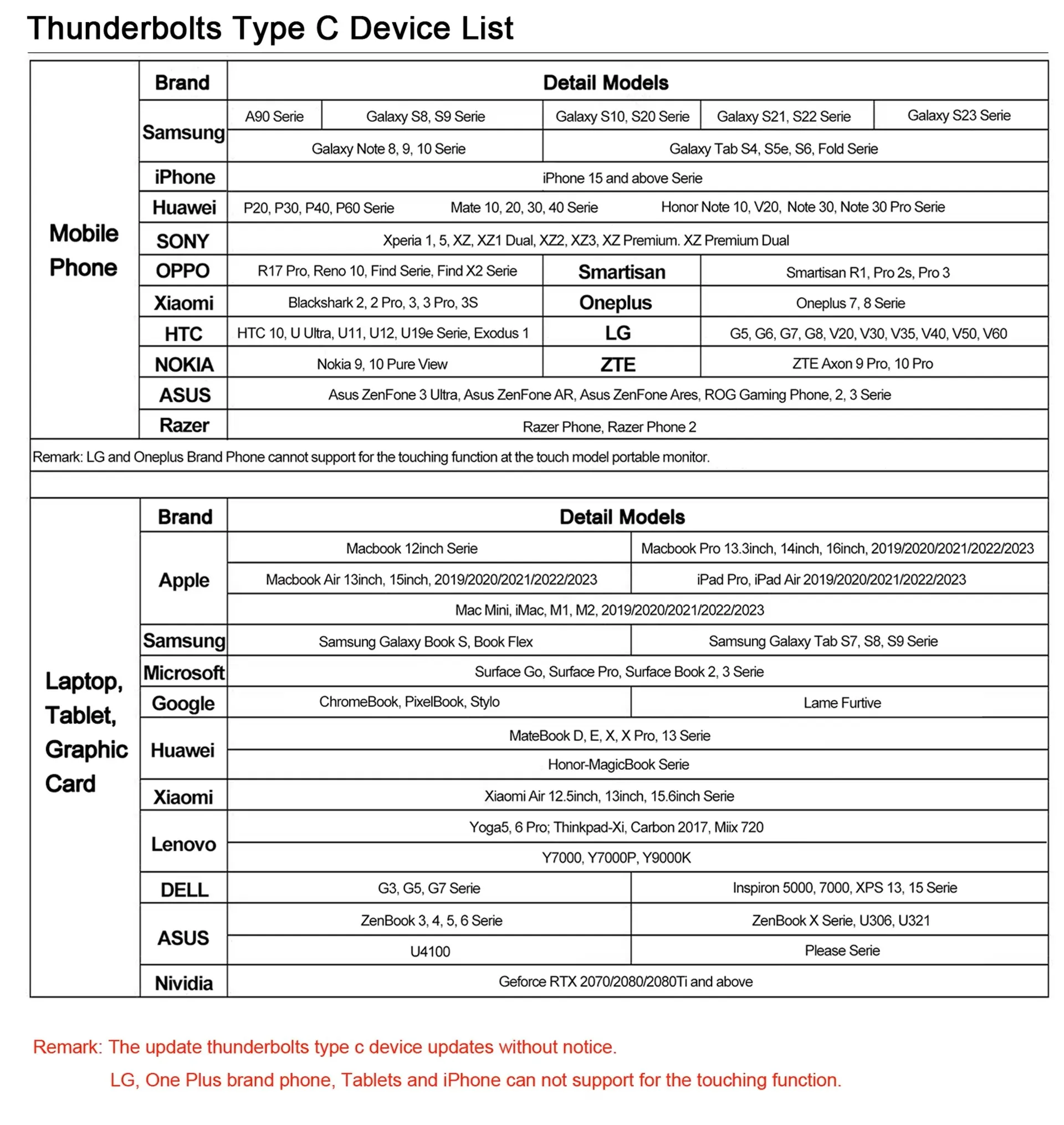
Full-function Type-C: Compatible with laptops, MacBook, tablets and smartphones (device requires DP Alt Mode video output)
Mini-HDMI: Connect desktop PC, Switch, Steam Deck, Xbox, PS4/PS5 and other game consoles
Built-in 3.5mm audio jack for direct audio output, no separate speakers needed.
📐 Ultra-Slim & Lightweight, Ready to Take Anywhere
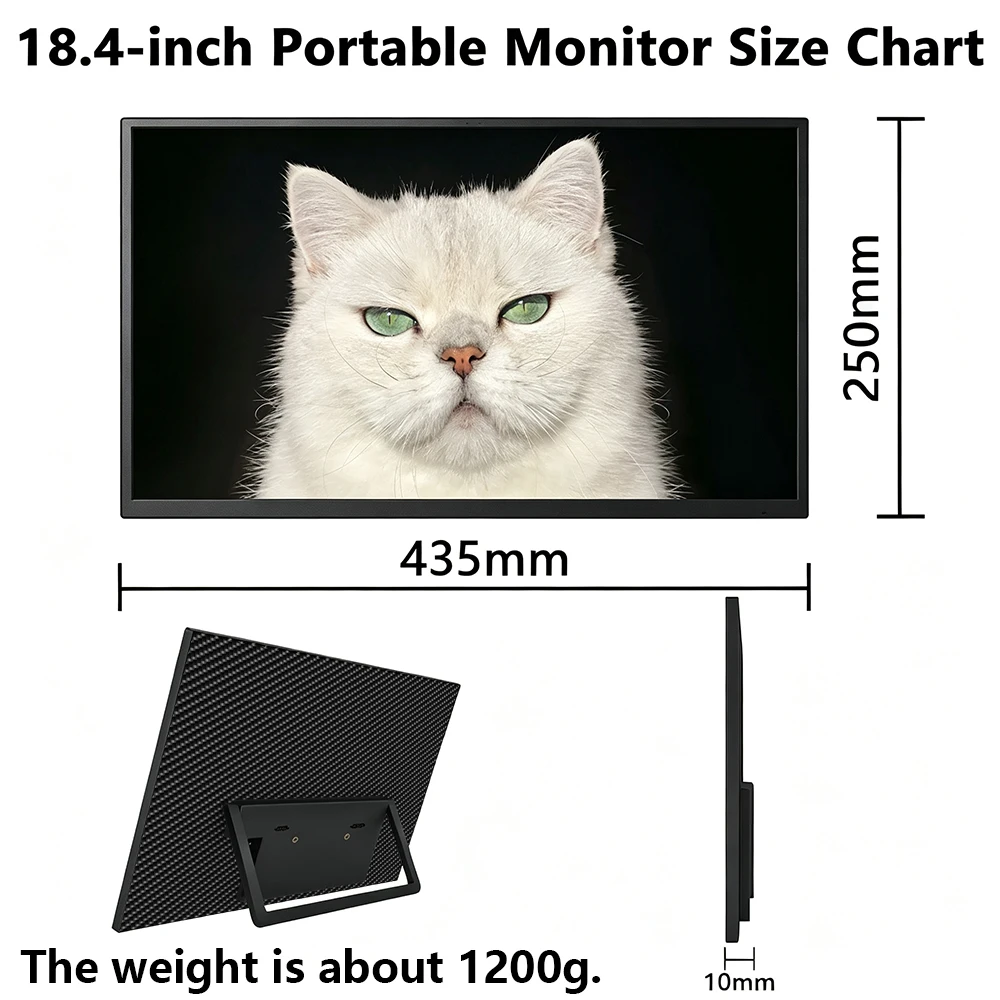
Dimensions: 435 × 250 × 10mm, net weight approx. 1200g.
Only 10mm ultra-thin chassis, easy to pack for business trips, travel and outdoor use. Integrated foldable stand for instant setup, no extra accessories required.
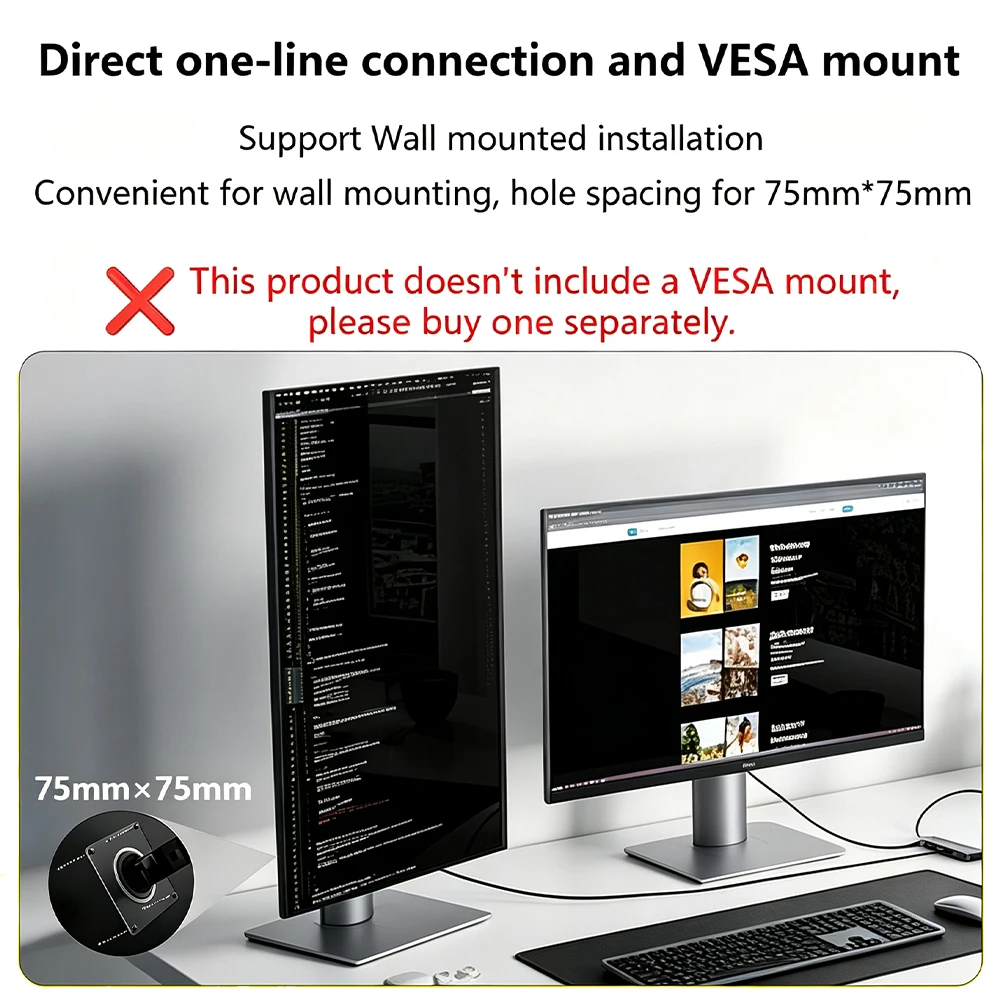
🛠️ 75×75mm Standard VESA Mount Support
Comes with standard 75×75mm VESA mounting holes. Mount it on a wall or monitor arm as an extended desktop secondary screen.
Notice: VESA bracket is NOT included. Please buy it separately if needed.
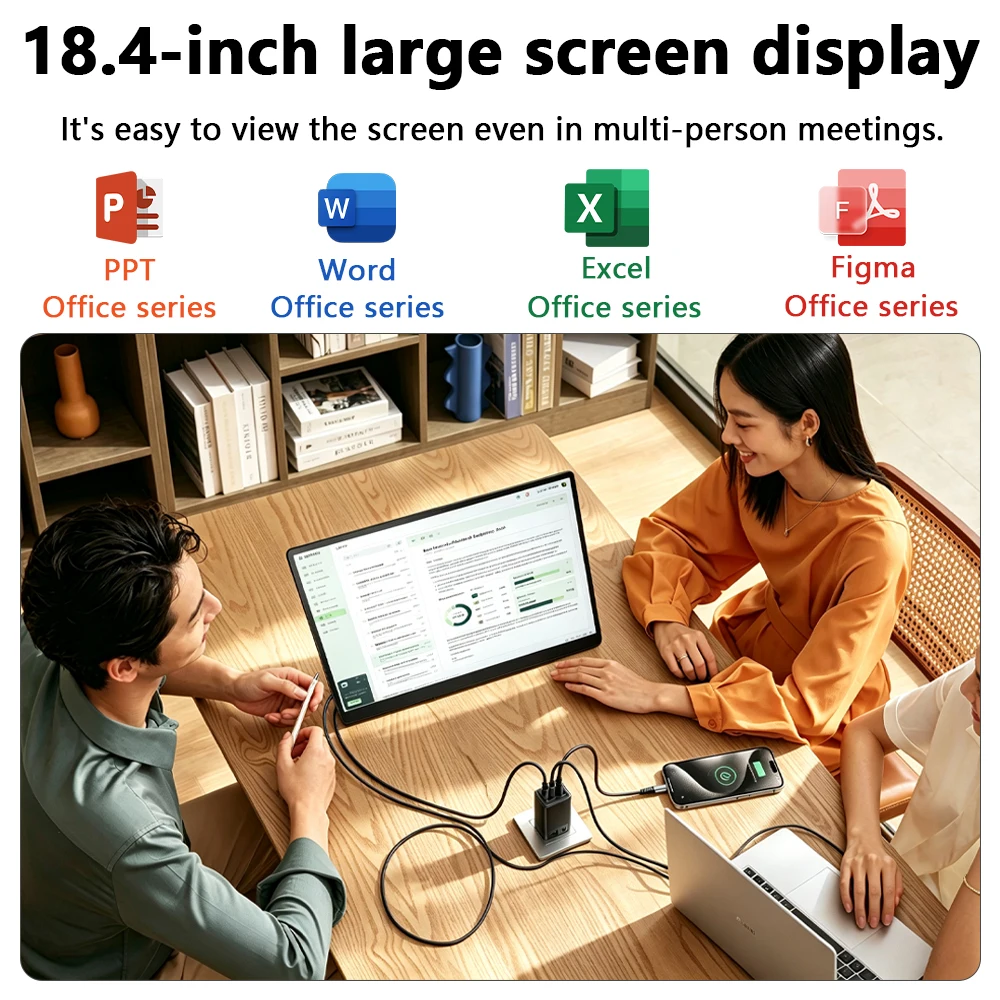
🤝 Ideal for Team Meetings & Collaborative Work
The large screen ensures content is clearly visible to multiple attendees. Run PPT, Word, Excel, Figma and other office software seamlessly. Great for team discussions, conference demos and home office setups.
Q&A
Q: The screen displays "blue no signal"
A: If you use a mobile phone to connect, you need to check whether the phone supports USB3.1 version output, whether it supports DisplayPort alternative mode (DP Alt Mode), and whether it supports MHL protocol mode. If not, it may be incompatible. You can use some converters for compatibility, such as: HD adapter cable. If not, it will display a blue no signal state. Please add a Mini HDMI to HDMI cable for signal transmission. If you use HDMI connection, you need to check whether your graphics card is connected correctly. As long as it displays blue no signal, it proves that there is no problem with the monitor, but there is no signal input. If there is a discrete graphics card, you must connect the discrete graphics card.
Q: Do I need to connect the power supply when using it?
A: The laptop uses a TPYE-C connection cable and does not need to be connected to the power supply. If the power supply is insufficient, the screen will flicker and USB power supply is required. If you use HDMI connection, you must use USB power supply. If the screen flickers, it may be insufficient power supply.
Q: What is the reason for the screen flickering?
Q: What is the reason for the screen flickering?
Q: Does it support vertical screen:
A: The monitor itself does not have the vertical screen function, so it does not support vertical screen. These functions can only be set on the mobile phone. The monitor only provides display functions. Unless you set the mobile phone to computer mode or set the vertical screen on the computer, the monitor itself does not support vertical screen.
Q: Does it support touch function?
A: This product has two models: touch version and non-touch version. There is a difference between the touch version and the non-touch version. Please choose the corresponding model to place an order according to your needs to avoid purchasing the wrong model.
Q: My monitor cannot turn on.
A: Please check whether the monitor and your device are in power-on mode. Make sure the cable is connected correctly. Connect other available devices or cables to check.
If you use the USB-C interface connection: You can use the USB-C cable to achieve power supply and signal transmission (one line for two purposes, also known as one line pass) and get power directly from the laptop. If you use the HDMI interface connection, you must use a two-wire connection solution. TheHDMI cable is only responsible for video signal transmission. You need an additional power supply solution. You can choose one of the following methods:
A1: Powered by a power adapter connected to the socket (30W and above PD power is recommended)
A2: Powered from the computer USB through a separate USB cable (If the computer USB power supply is insufficient, it may cause false alarms such as insufficient brightness, flickering, black screen, etc. It is recommended to use a 30W and above PD power supply).
Q: Why does the monitor make an electric current sound or a rustling sound?
A: Please confirm the source of the noise. If it is a connection noise, please re-plug the interface or replace a new cable. If it is the sound of the adapter or speaker, it may be due to the quality problem of the power adapter.
Q: Why is my touch screen not working?
A1: When purchasing, please make sure you choose whether the purchase supports touch function.
A2: Check the connection: For laptops/desktops, connect both the HDMI and touch cables (included). For USB-C interfaces, your port must support Type-C 3.1+/Thunderbolt 3.
A3: Mobile phone compatibility: Supports direct screen projection, but may not support touch in desktop/extended mode.
A4: Best practice: Always connect: √HDMI cable, √ power cable, √ touch cable
A5: Computer system compatibility: Supports direct screen projection, or setting the touch screen as the main screen may not allow accurate touch, or support touch in secondary or extended mode.
Q: Does this computer monitor support VESA wall mounting?
A: Supports VESA wall mounting
Q: Are there speakers?
A: Yes, with built-in speakers.
Q: Does it support Apple phones?
A: Basically not. However, after testing, the iPhone 15 PRO can project the screen, but does not support vertical screen and touch functions.